FOR CONTENT CREATORS
A creative workspace for your next video.
Bring the idea, script, visual references and production dates into one clear project.
Project work requires an account. Explore public examples and free tools before starting.
01 / THE WORKFLOW
Plan the video you are actually making
A solo talking-head video, a product demonstration and a short social advertisement need different amounts of preparation. Start with the audience, one clear idea, the delivery format and the footage you need. Keep the chosen tools focused on that job.
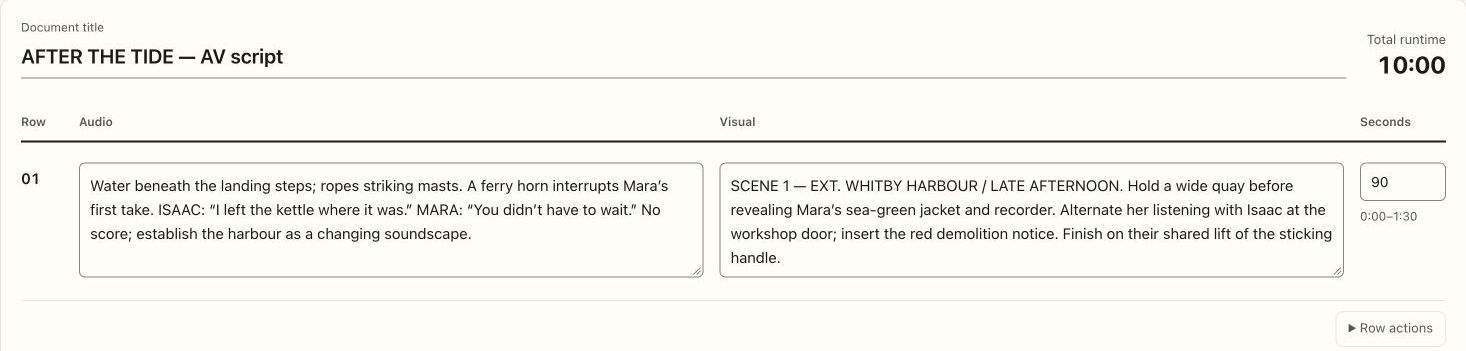
Use a screenplay for dialogue-led scenes, or an AV script when picture, sound and timing are easier to plan side by side. Rehearse the words: an estimate is a starting point for editing, not a guaranteed runtime.
02 / THE WORKFLOW
Know which shots will carry the explanation
List the presenter coverage, demonstrations, product details and B-roll before recording. A few intentional inserts can explain a process more clearly than a long unbroken take.
Keep visual references, notes and the shot list in the same project. If you use generated storyboard images, review them as a sequence and check the real product, location and movement against the script.
03 / THE WORKFLOW
Give preparation, shooting and delivery their own dates
Use the calendar for research, script review, recording, editing and delivery milestones. A publishing date alone does not explain when the work must happen. Group related tasks around the actual production.
For a paid partnership, record the brand brief and deliverables and discuss approval, usage and revision expectations directly. Mooiev’s production calendar helps organize the work; it does not automatically publish to social platforms or find sponsors.
04 / THE WORKFLOW
Work solo, then bring in the right help
Use an equipment checklist for a compact shoot, and test sound, focus and exposure before recording a long take. Keep reference images of the setup if you will return for B-roll.
When the project needs an editor, cinematographer or another collaborator, review their actual contribution and introduce the specific job. A public profile can help explain your work; it does not guarantee an audience, clients or paid opportunities.
Before you start
Do I need a complete film crew?
No. Use only the tools that help your current video. The solo worked example shows a one-person planning workflow.
Will Mooiev schedule posts on YouTube or Instagram?
The calendar organizes your production milestones and delivery dates. This page does not promise automated publishing to those platforms.
Bring the plan and the people together.
Start with a project, or inspect a useful free resource first.